





Comps
Sponsor lists, volunteer allotments, and a record of who holds each ticket.
Ticketing
From comps to Apple Pay, admins set the offer, guests check out, and the door runs from a phone.
Around the sale
The pay link is one part of it. The rest of the night lives in the same place.
Sponsor lists, volunteer allotments, and a record of who holds each ticket.
Send a refund with a note. The report updates with it, without a side spreadsheet.
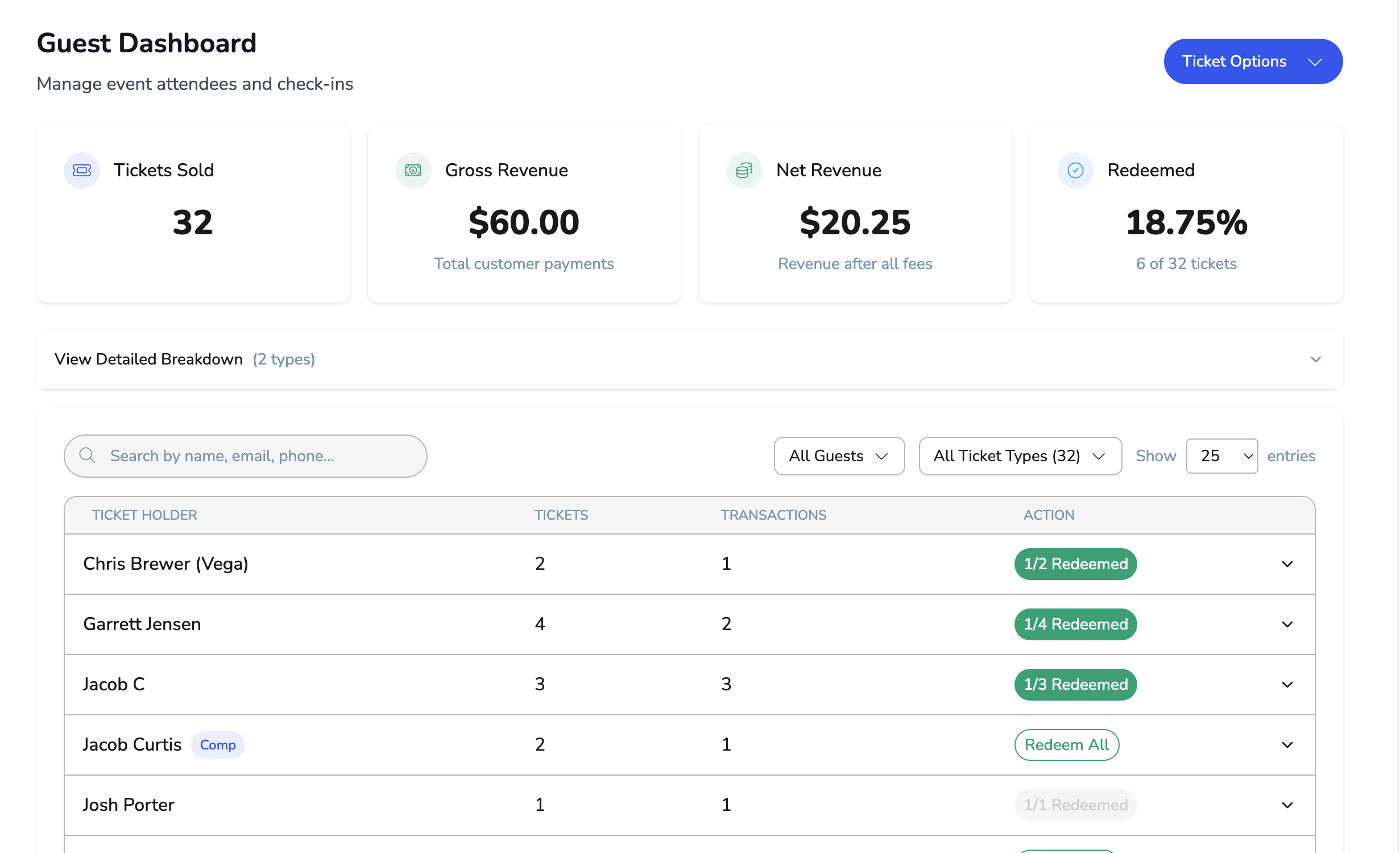
Buyers, comps, and will-call on the list staff scan from a phone.
How it works
Ticket types, access codes, comps, and who can redeem them, in one place before you publish.
Guests buy with Apple Pay, Google Pay, or a card. No account required.
QR check-in at the door, with a live count for every gate.

One flow from the offer to the door. Finance sees what sold. The gate sees who is in.
See comps, checkout, and scanning in one walkthrough.